
Product / Engagement Management
Track work from first email to final sign-off
Every engagement becomes a structured record. Everything lives in one place, connected and findable.
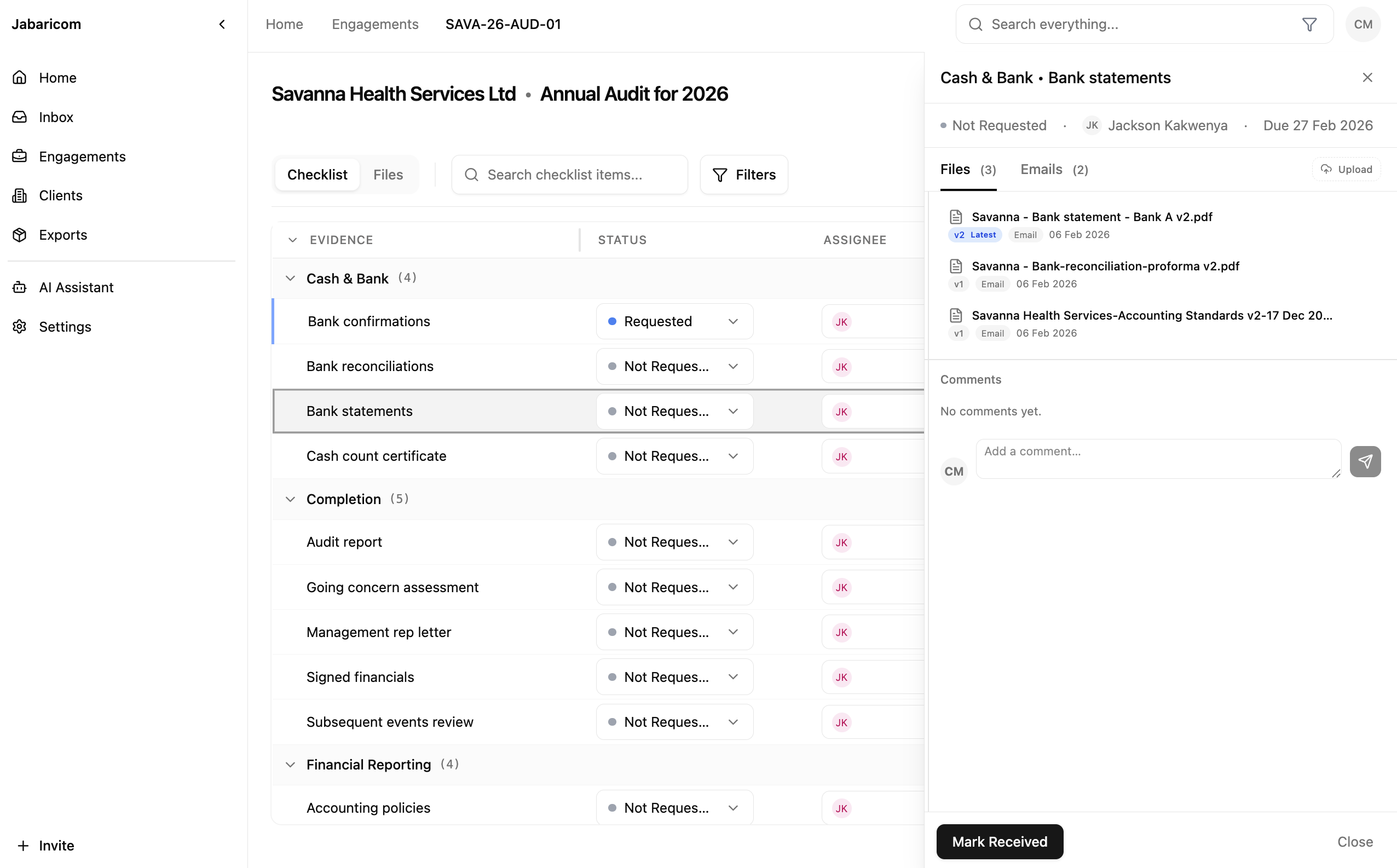
All engagements in one view
See active and completed engagements across your firm, filtered by client, service, team, or deadline.
- Client directory
Every engagement linked to the right client record automatically.
- Service types
Audit, tax, advisory, and custom categories your firm defines.
- Status tracking
See where every engagement stands at a glance: planning, fieldwork, review, or complete.
- Team visibility
See assignments and workload across the firm.
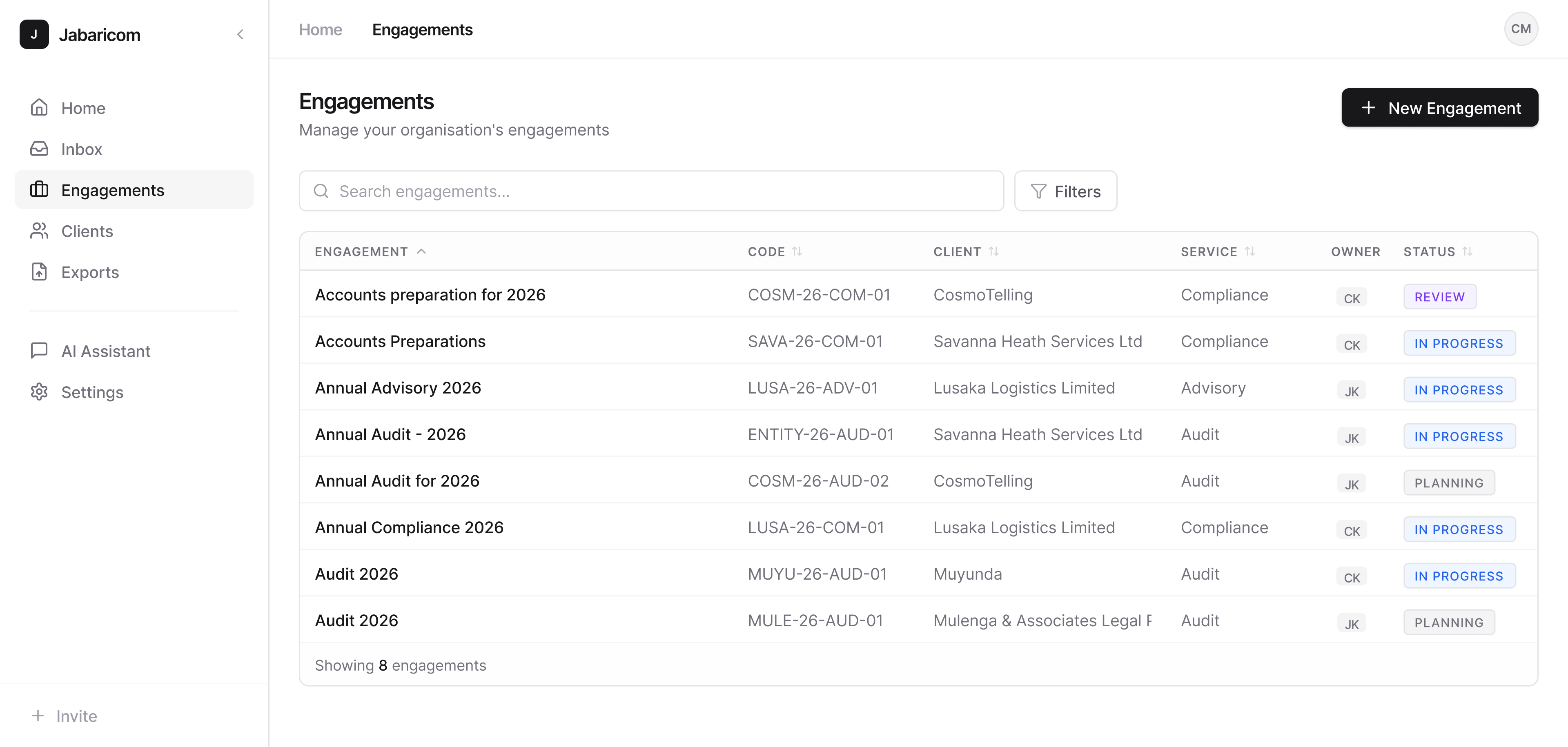
Evidence sections match your methodology
Each engagement type uses the right evidence structure, aligned with ISA and ZRA workflows.
- Custom sections
Define the evidence sections that match your firm's methodology and templates.
- Status per section
Track completion at the section level so nothing gets missed during review.
- Assignees
Assign team members to individual sections for clear accountability.
- Planning checklists
Built-in checklists keep key procedures consistent.
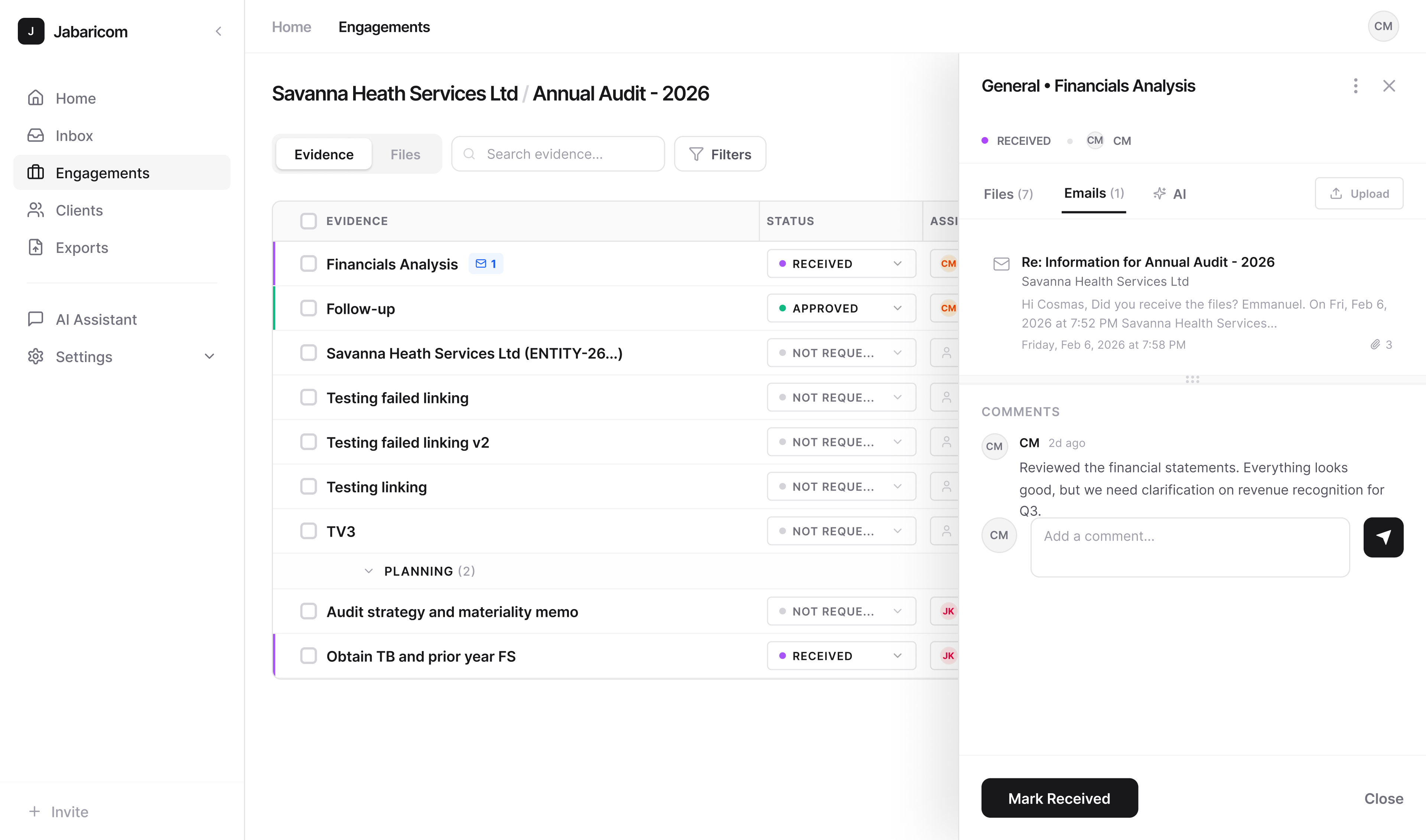
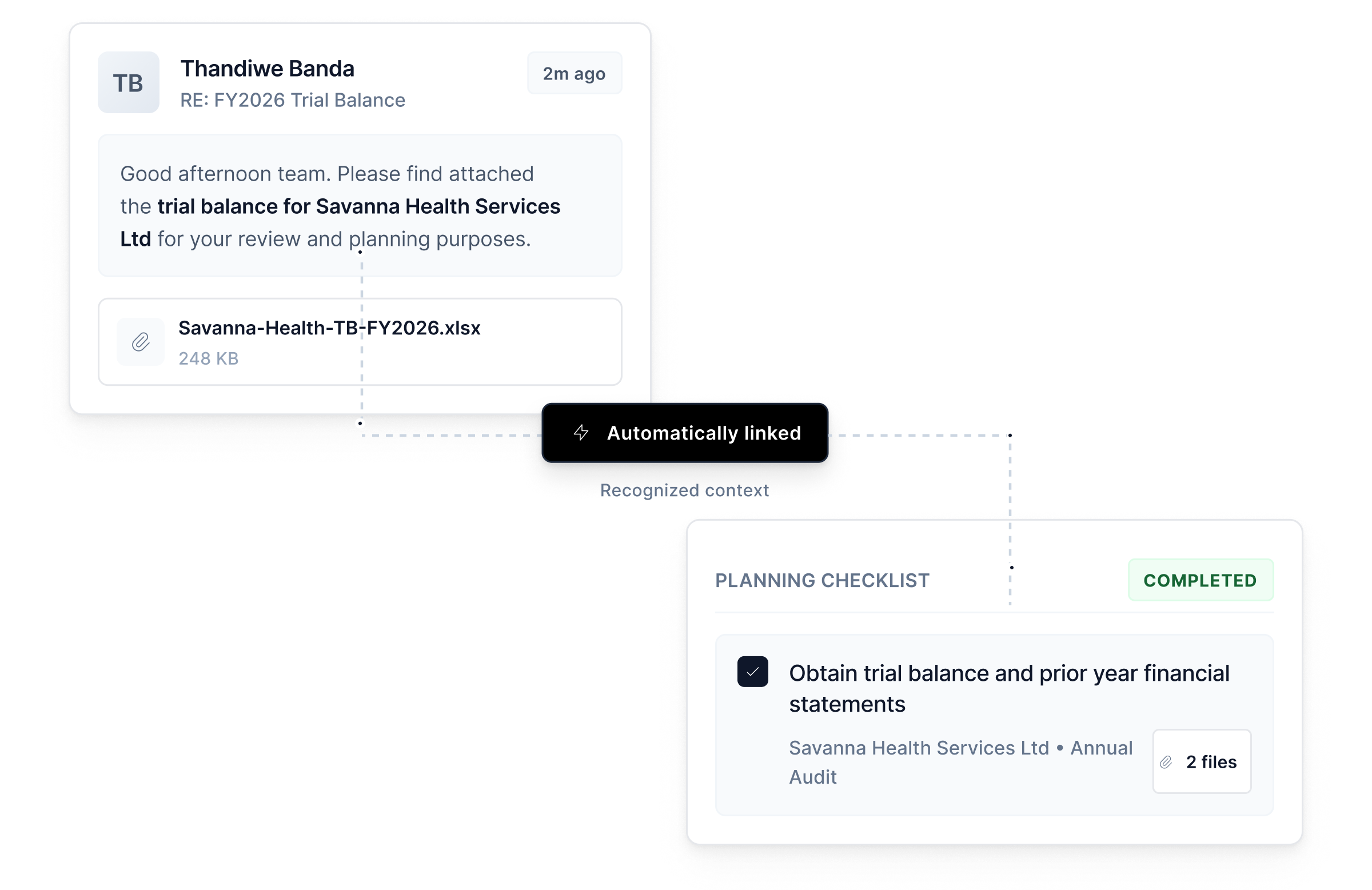
AI detects engagement context
When emails, documents, or notes arrive, the system maps them to the right engagement.
- Automatic detection
Incoming emails and documents are matched to the right engagement using AI.
- Checklist matching
Documents are suggested for the right evidence section based on content analysis.
- Manual override
Reassign any document in one click when needed.
- Complete trail
Every filing decision is logged.
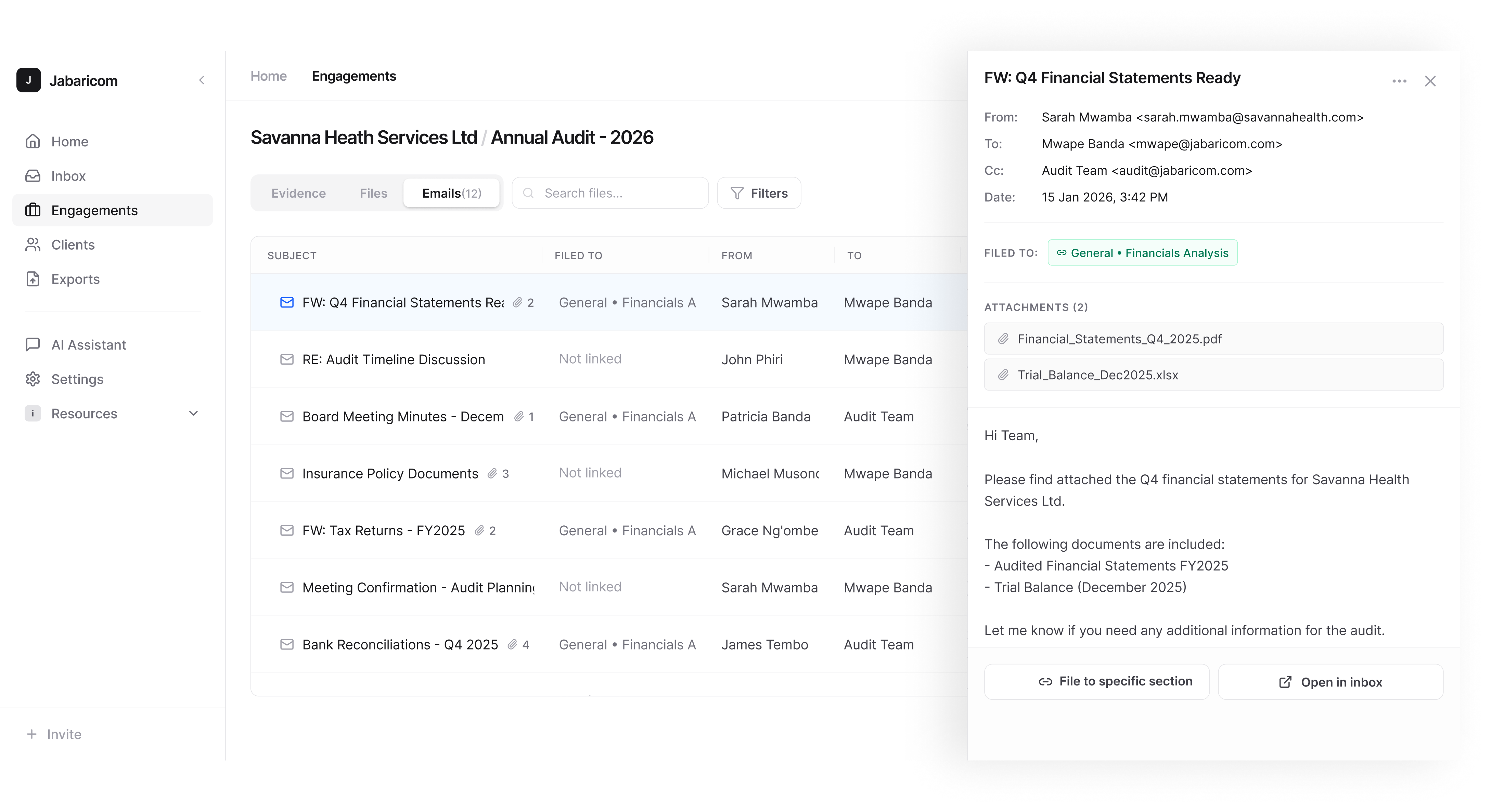
See every communication
Emails, notes, call logs, and comments are all threaded into the engagement record.
- All emails
Full email thread history linked to the engagement automatically.
- Filter by section
See only the communications relevant to a specific evidence section.
- Search full content
Search email bodies, attachment names, and internal notes.
- Export for ZRA
Generate a communication log for regulatory review.